

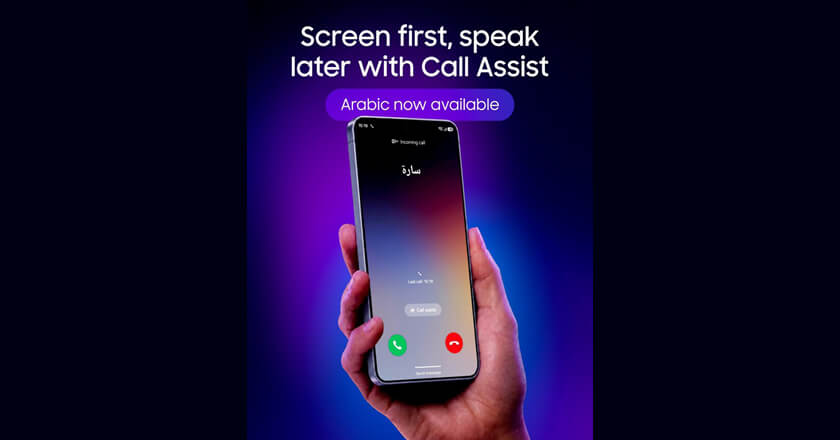
Galaxy AI’s Call Screening feature expands language support, giving GCC residents greater control over their calls
Dubai — Samsung Gulf Electronics is announcing the latest update to its Galaxy AI-powered Call Screening feature, now available in Arabic. The update brings one of Galaxy AI’s most practical everyday tools to Arabic-speaking users across the region, making it easier to manage incoming calls with greater confidence and context.
With GCC residents receiving dozens of unknown calls every week, from delivery drivers and bank representatives to unknown numbers and potential spam, Call Screening acts as an intelligent buffer, allowing users to see a live transcript of why someone is calling before deciding whether to pick up. The addition of Arabic language support significantly broadens accessibility of the feature for regional users.
“At Samsung, we place a great focus on making our innovations more accessible and relevant to users across the region,” said Fadi Abu Shamat, Vice President and Head of the Mobile eXperience Division at Samsung Gulf Electronics.
“With Call Screening now available in Arabic, we are giving more people the ability to take control of their calls in a language that feels natural and familiar. This is another step in our commitment to delivering Galaxy AI experiences that are as relevant in the Gulf as they are anywhere in the world.”
Call Screening is available on the Samsung Galaxy S26 series and can be activated through Settings → Call Screening → Language, where users can download and select their preferred language pack. The feature supports 16 languages, with 23 options including dialect variations.
When an incoming call is received, Galaxy AI interacts with the caller on the user’s behalf and generates a live transcript of their response, allowing users to review it and decide whether to answer, decline, or send a message. Importantly, Call Screening records only the portion of the call where the caller interacts with the AI, once the recipient picks up, recording stops. Users can choose to auto-screen all calls or activate the feature selectively on a per-call basis.
With the Arabic language update, Samsung continues to build on its vision of a Galaxy AI ecosystem that adapts to the needs of users, not the other way around.
Source: Tahawul Tech